Adding An Image
Changing Featured Image
Sometimes your website might contain a page with text and images. This is pretty much the same throughout for changing images anywhere on the site.
Say we want to change the below image on the right.
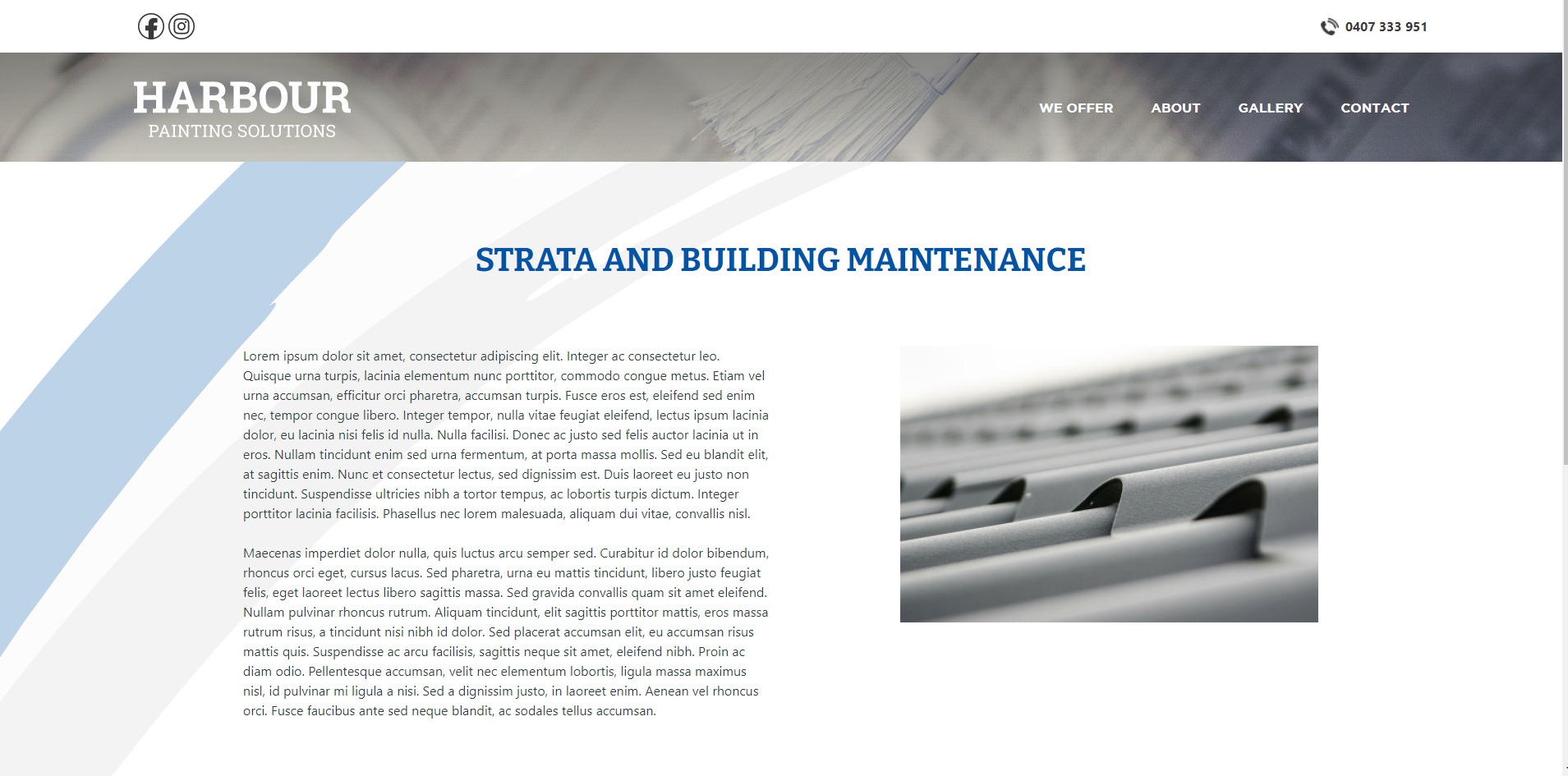
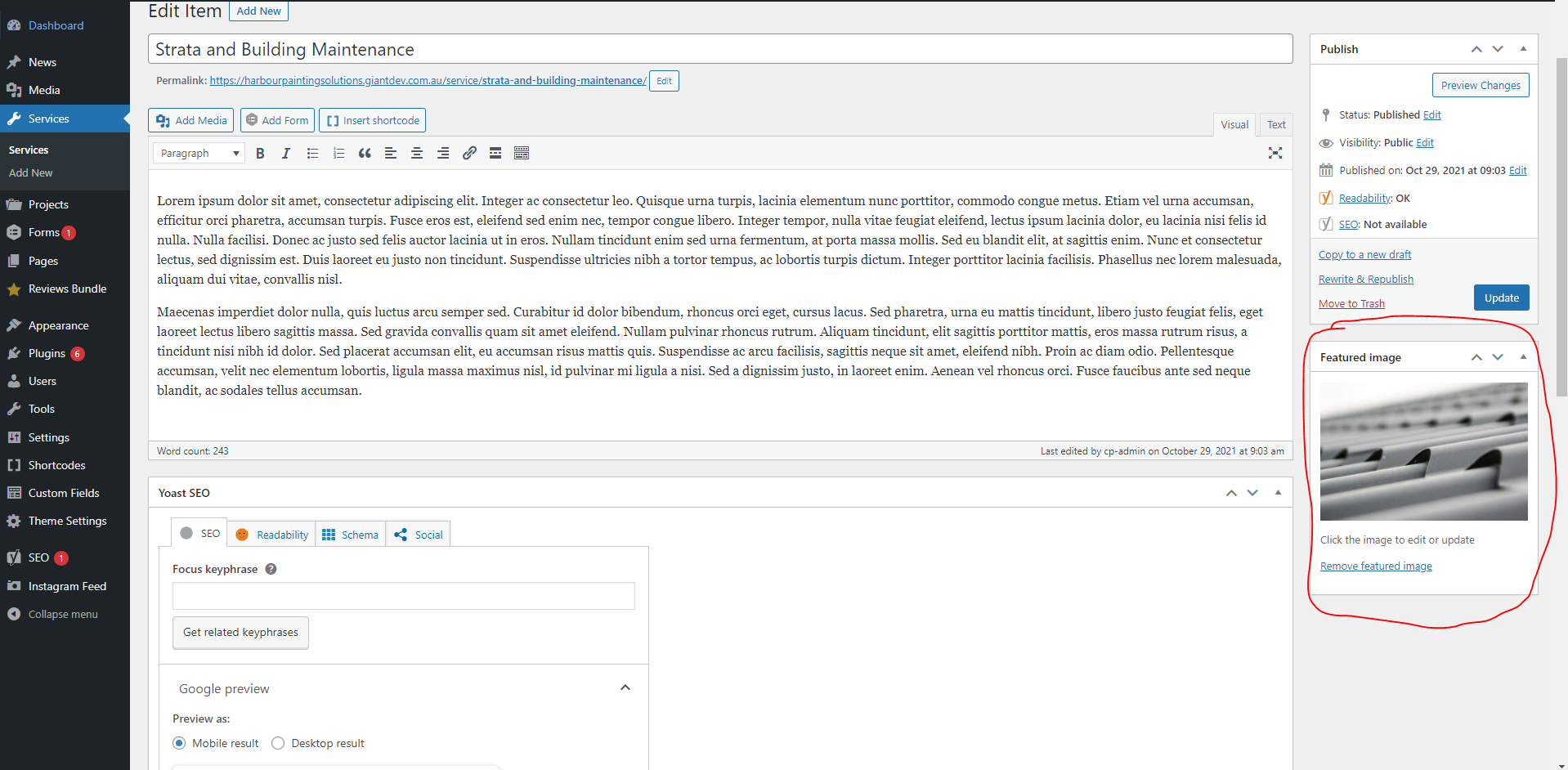
First, we need to click the edit item button at the top of the page. Once on this page on the right-hand side, there is a featured image section click the remove featured image button. Then click the set featured image button.
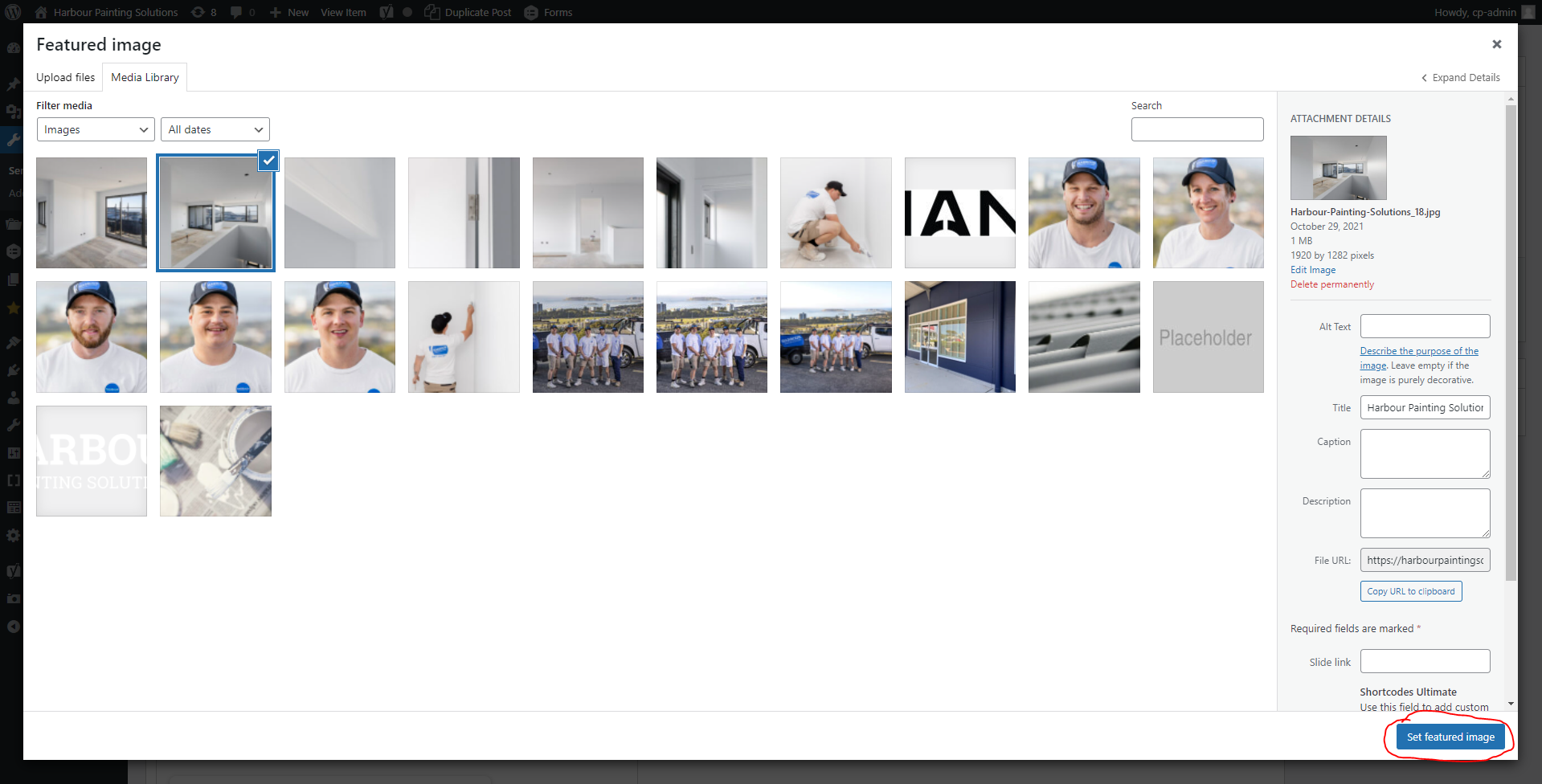
This will bring up a window that contains all the images that have been uploaded to your website. From here you can select existing photos or if you click the “upload files” tab in the top left of the window you will be able to upload new images. Once you are happy with the image select it and click the blue “set featured image” button in the bottom right. Next, click the blue update button to update your page.
Adding Image Into Text Box
You can also add an image in the text box of a page see the video below for an example.